
Installation Instructions
Click the Download button to download the required file
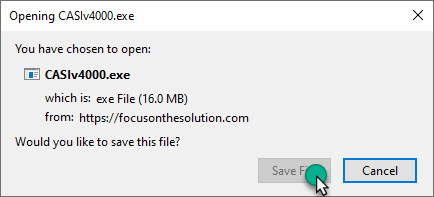
When prompted, click Save file to download the file to the Downloads folder
Locate the file and open it

The Windows protected your PC screen may pop up depending on your computer settings. If it does, click More info
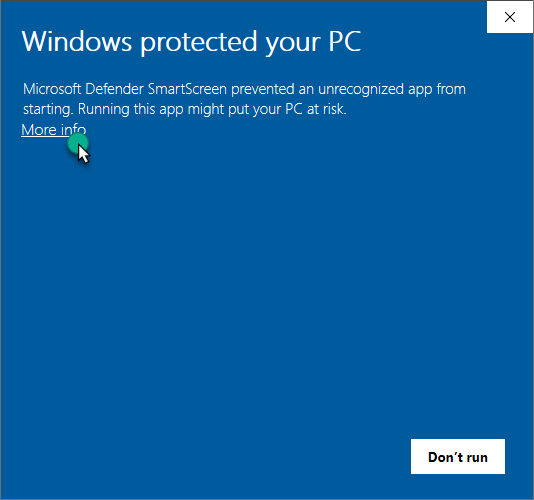
and then click Run anyway

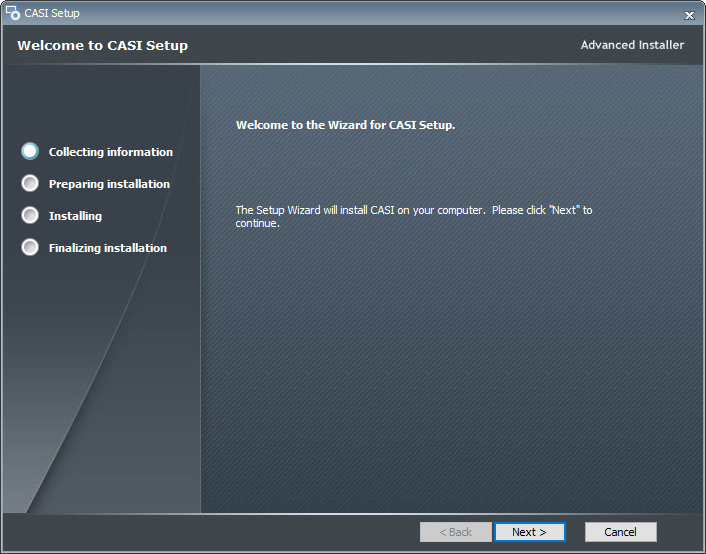
This launches the CASI setup routine
Click Next and accept all defaults to install the application. Please note that the installation screens will vary depending on the application being installed