
CHANGING THE HOME THAT AN INCIDENT RELATES TO
Only availabe to Head Office staff.
Changing the home that an incident relates to, automatically sets you as the Investigating Officer – this can be subsequently changed if required.
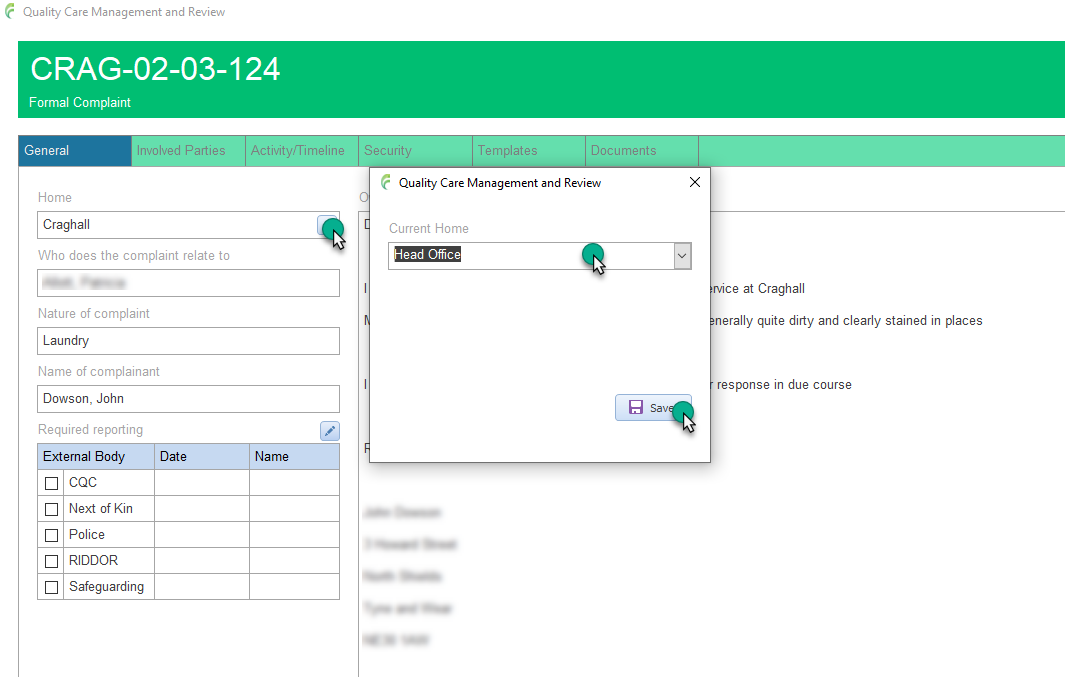
Open the required incident and click the General tab in the Incident management window
Click the pencil edit button next to Home.
Select the required new Home and click Save.