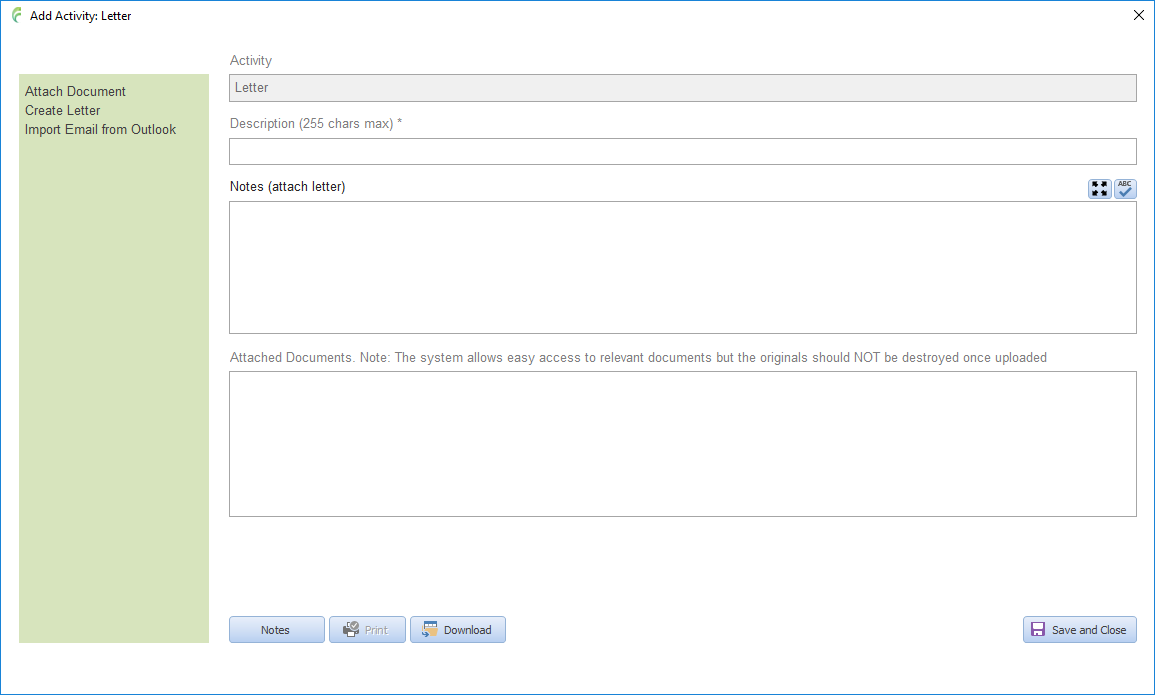

LETTER
Applicable to all sections of the CASI system.
Allows you to quickly create and manage letters for an incident.
Open the required incident.
Click the activity/timeline tab.
Click Select Activity Item in the blue menu panel to the left to display the list of available activities relevant to the incident type.
Click Letter.
Edit/complete the information as required.
Click Save and Close.